// For Architects & Designers
Photorealistic
renders.
Minutes,
not days.
Upload your model, add your moodboard, and render every angle yourself, with no visualization studio needed.
 SketchUp
 Revit
Revit 3ds Max
// How it works
Three steps from 3D model to photorealistic render
Upload your model
Drop a SketchUp or GLB file.
Capture your angles
Pick your camera angles and add style references.
Hit render
Photorealistic results in about a minute. No prompts needed.
// Multi-view consistency
Every angle, perfectly consistent
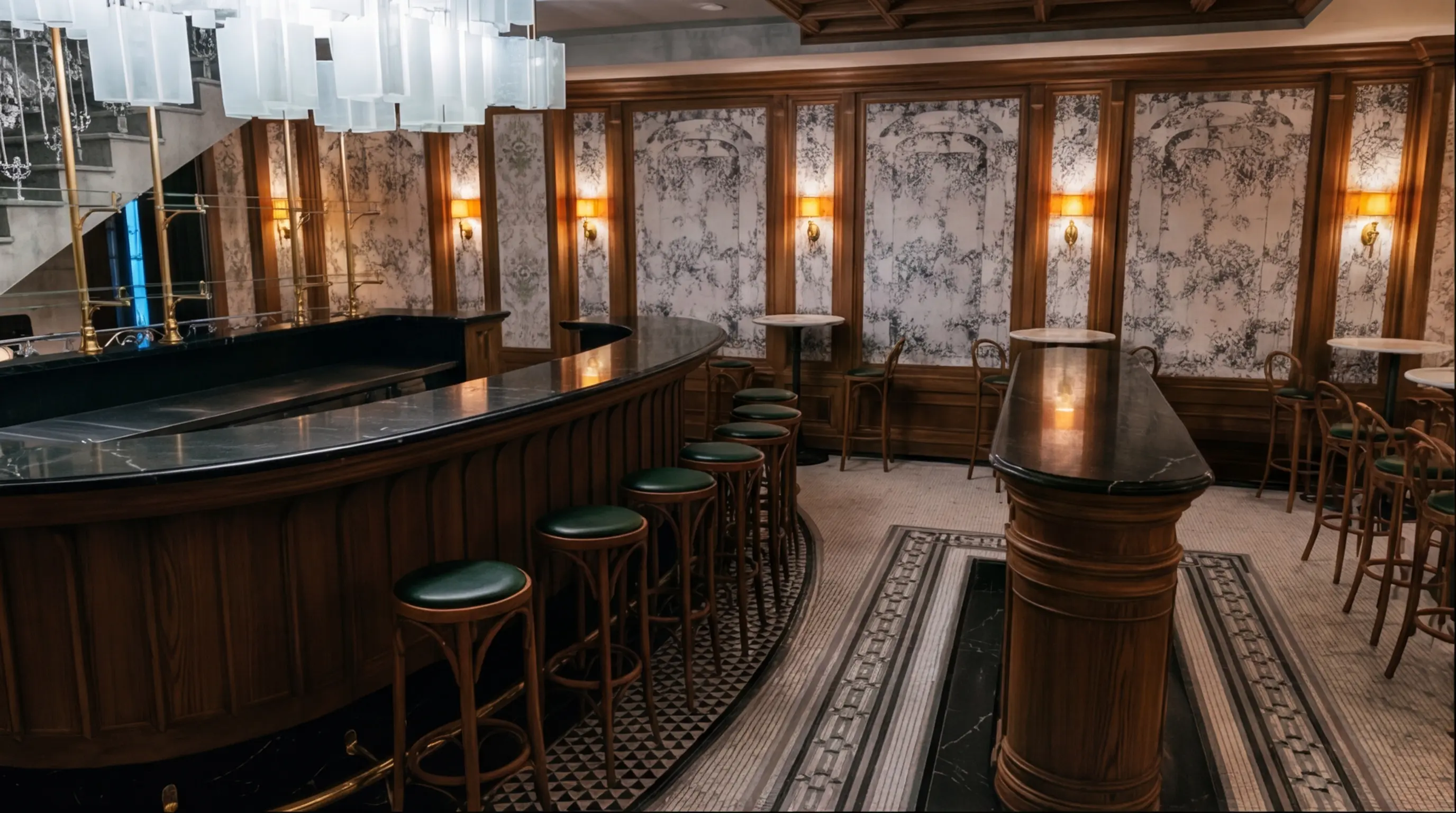
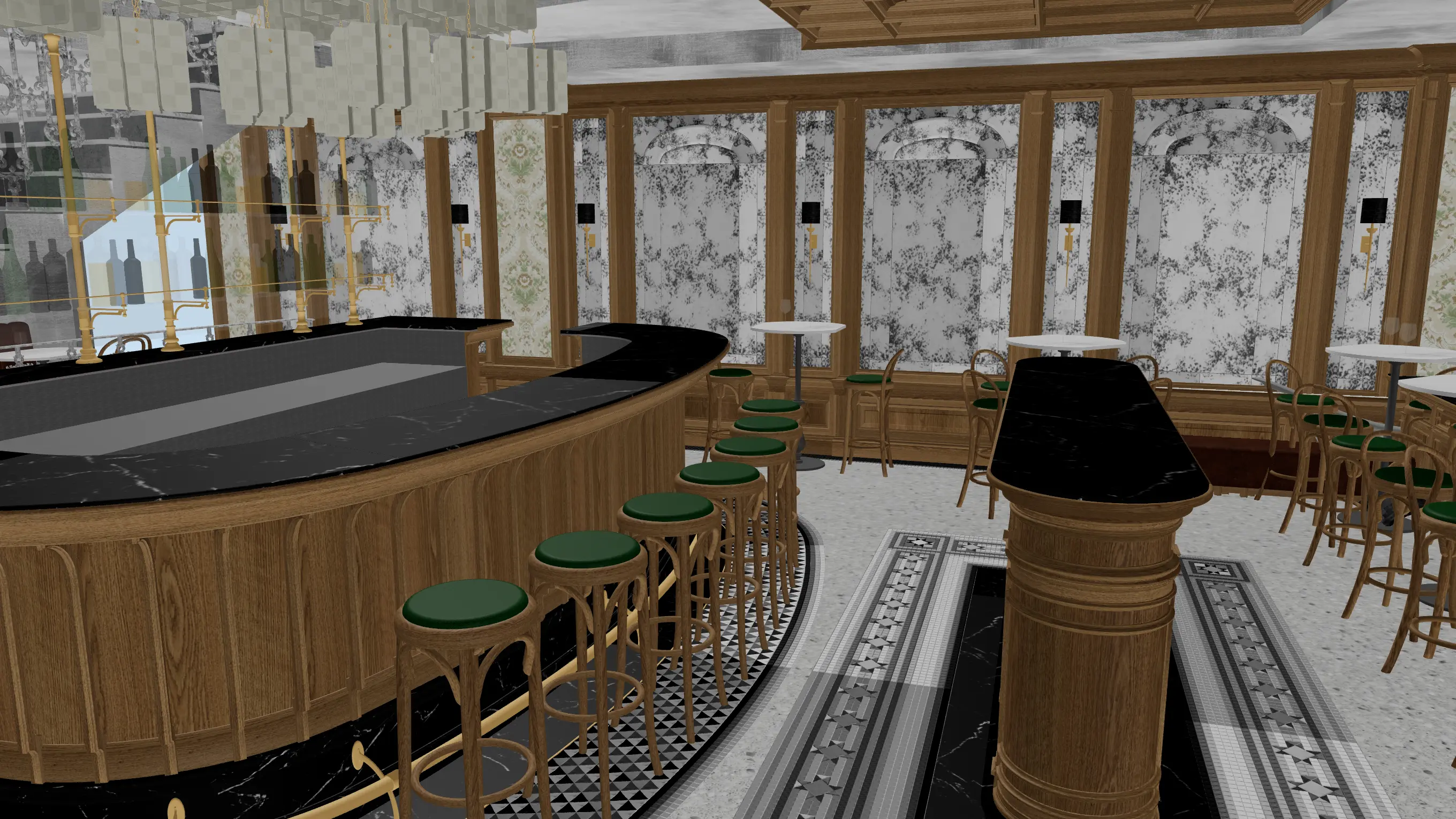
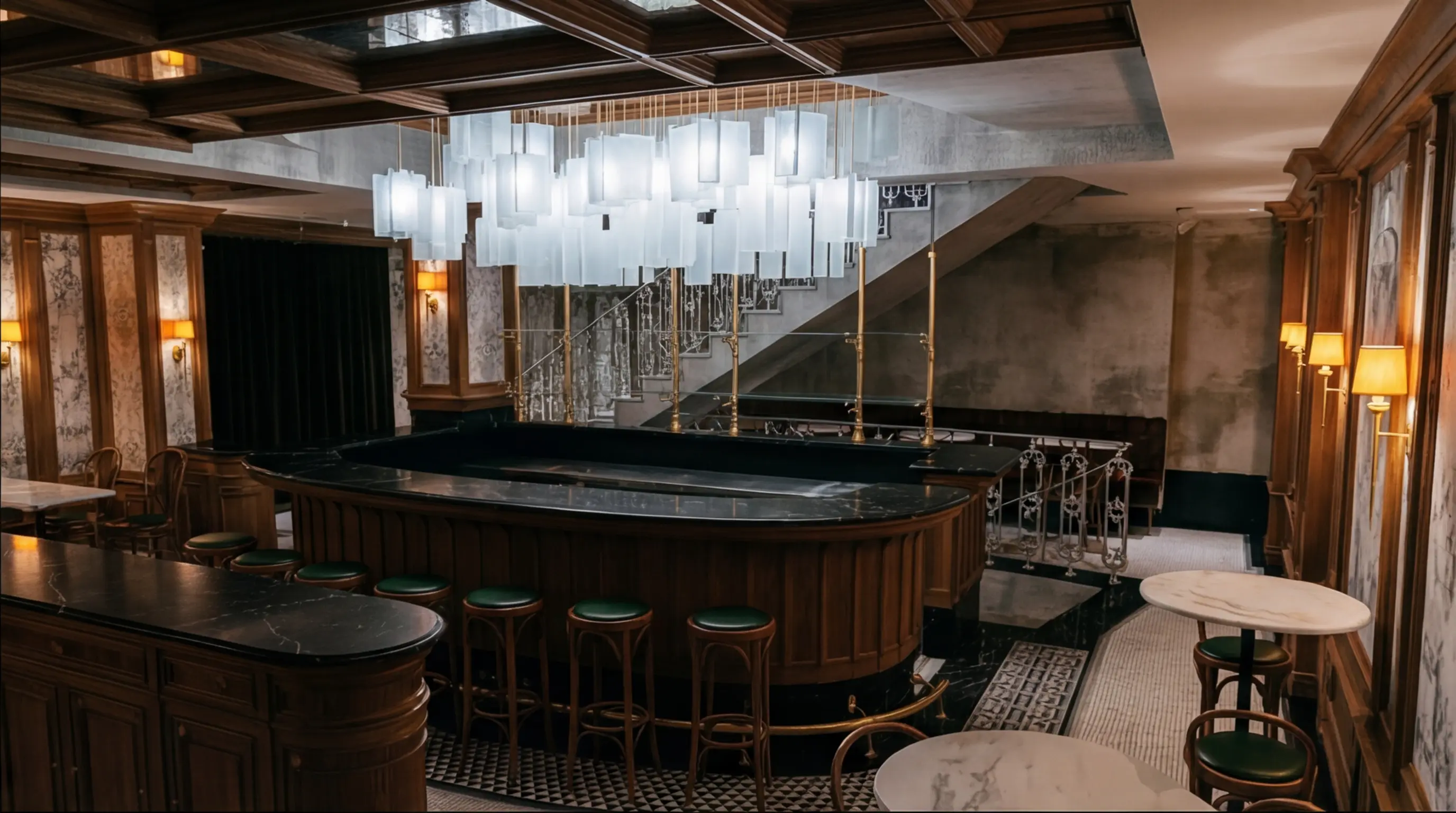
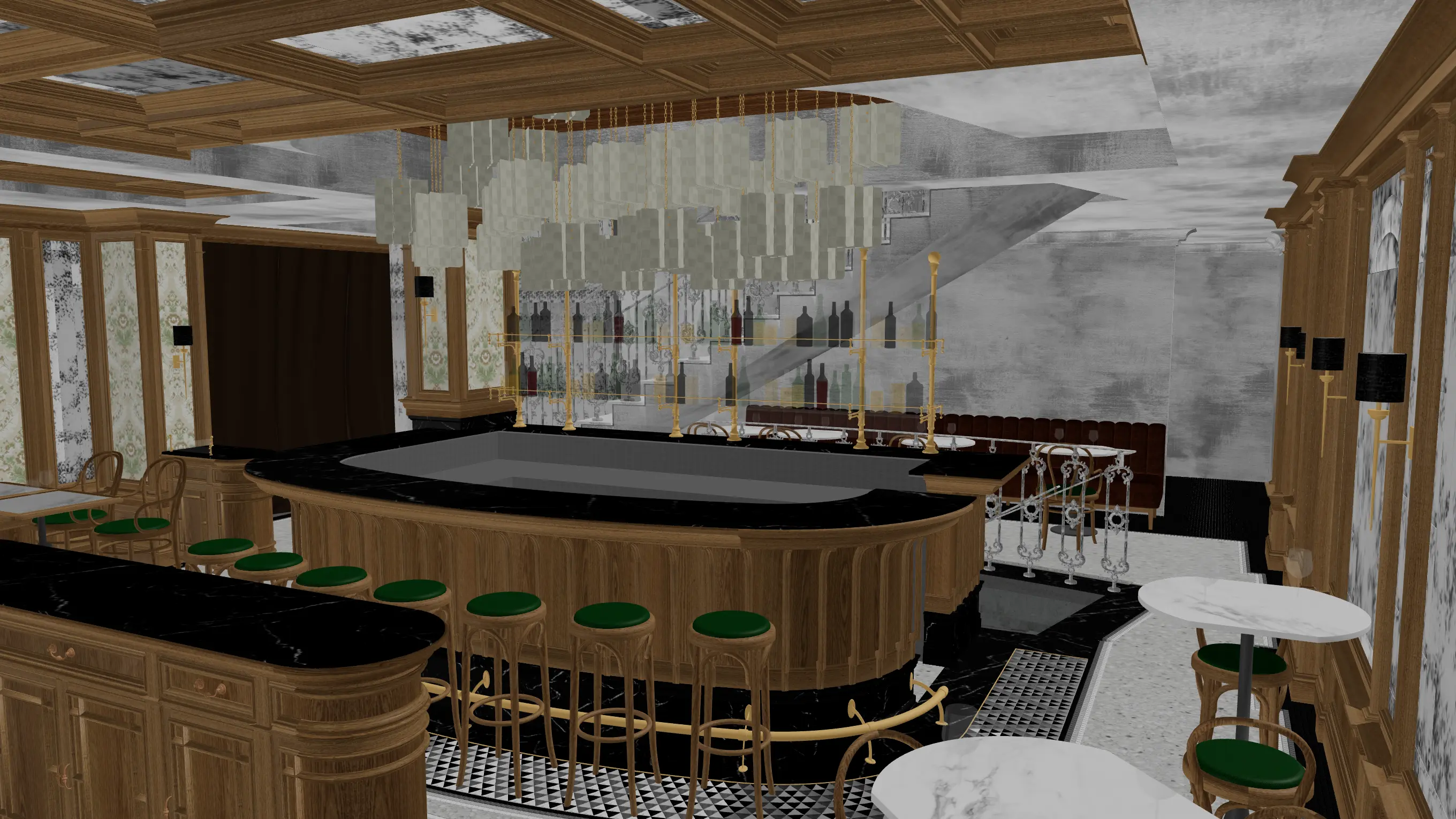
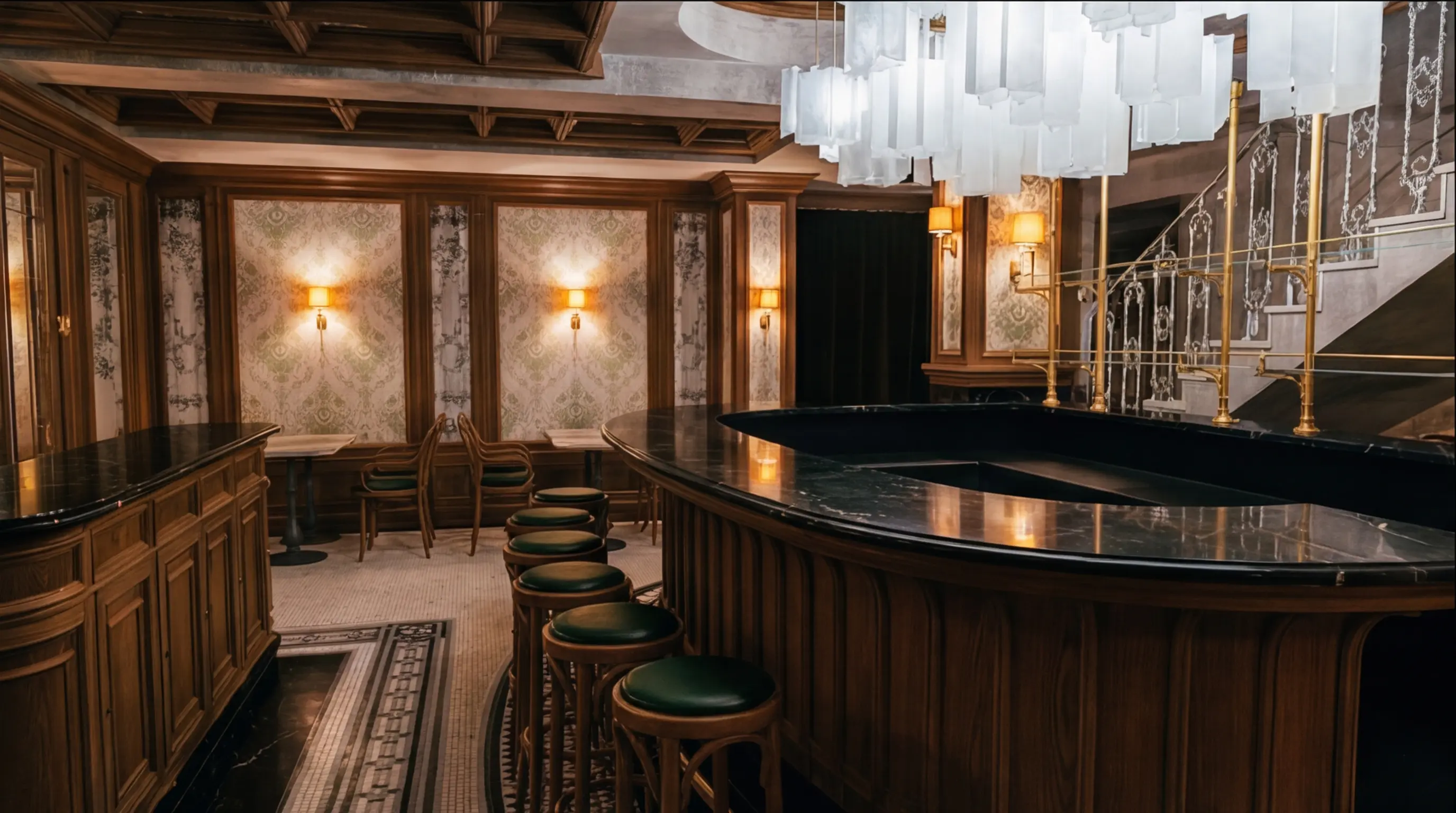
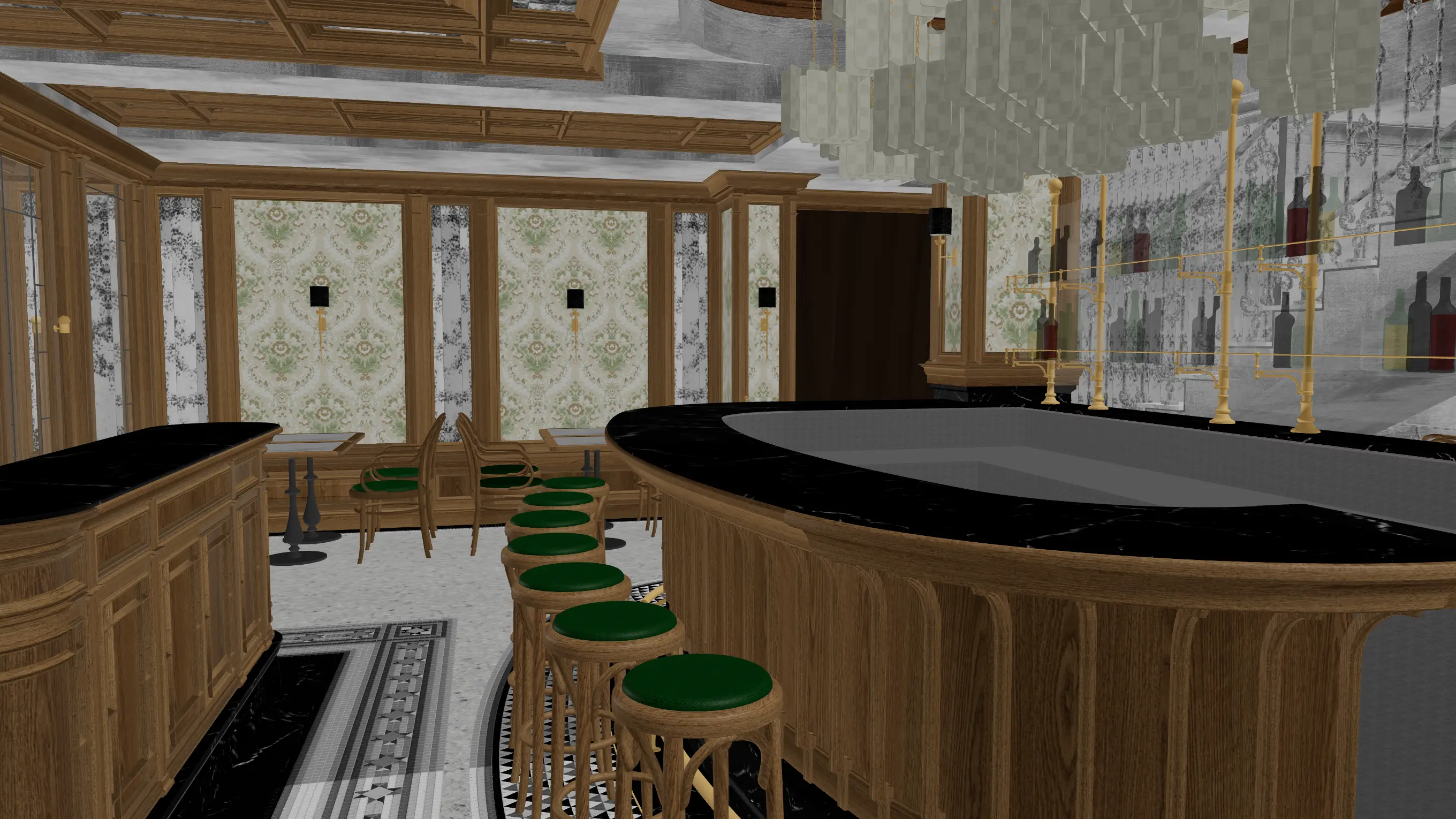
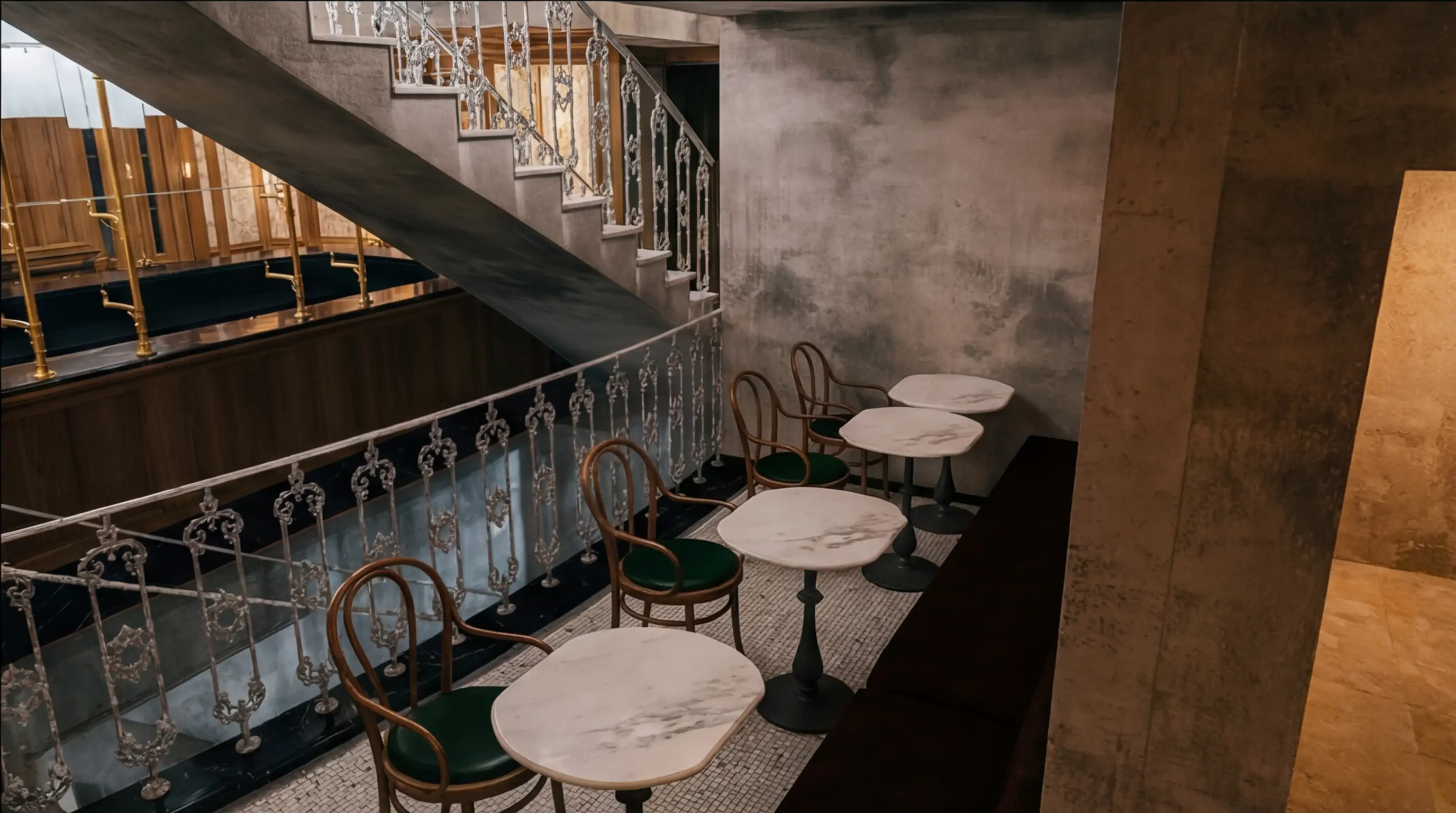
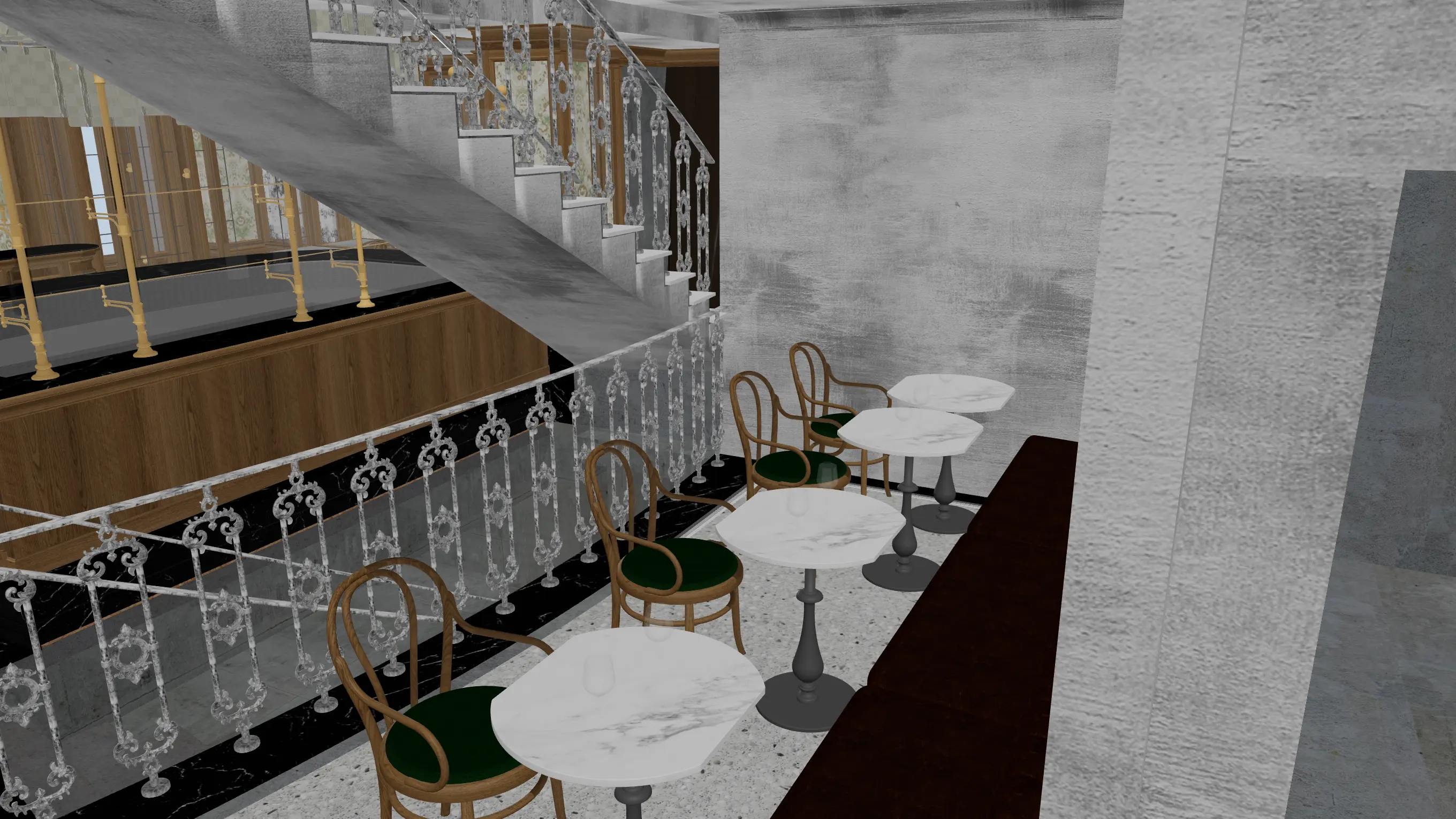
Four angles, one batch. Every material stays consistent across every view. Drag to compare 3D preview vs rendered output.
SketchUp -- GLB -- Image upload
// Why Eler
The fastest rendering software for architects and designers
01
You control the render
No prompts, no revision cycles. You pick the angle and style.
02
Minutes, not days
About a minute per view. No back-and-forth with a visualization studio.
03
Skip the outsourcing
Stop paying $200-500 per image to a third party.
// Get started
Start creating photorealistic renders today
Try it on your own SketchUp model. Plans from $15 a month.
No installation required
Questions before your first render
Which files can I upload?
Upload a SketchUp (.skp), FBX, 3DS or GLB model. You can also start from a photo or sketch. With a 3D model, pick several camera views to make consistent renders of the same design.
How long does a render take?
Each photorealistic render takes about a minute. After rendering, describe a change in plain language to try another material, adjust the mood or refine the image.
Do I need a powerful GPU?
No. Eler runs in your browser and processes renders in the cloud. Sign up, upload your model, choose your camera views and render, with no plugin or local rendering software to install.